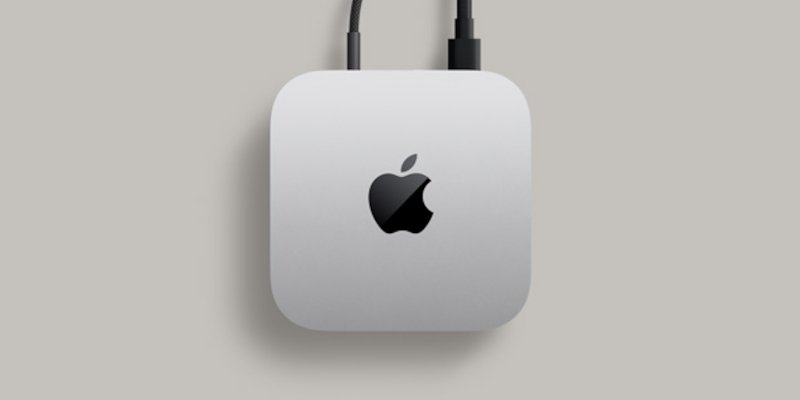
How to Shut Down Mac Mini Without a Monitor
You can shut down your Mac mini safely using one of these methods during a power outage (UPS is applied to Mac mini, but not the monitor): Use SSH from Another Device ssh user@mac-mini.local sudo shutdown -h now Set Up Automatic Shutdown via UPS Software Use a Keyboard Shortcut (Blind Shutdown) by press Control + Option + Command + Power Press and hold the Power Button for 2 seconds. Hard Power-Off as a Last Resort by press and hold Power Button for 5+ seconds If you preferred SSH method, don’t forget to enable Remote Login in your Mac Mini Settings > General > Sharing. ...