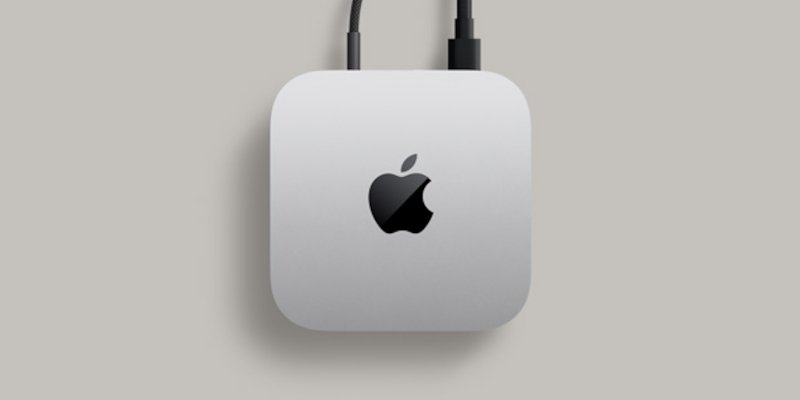
You can shut down your Mac mini safely using one of these methods during a power outage (UPS is applied to Mac mini, but not the monitor):
- Use SSH from Another Device
ssh user@mac-mini.local
sudo shutdown -h now
- Set Up Automatic Shutdown via UPS Software
- Use a Keyboard Shortcut (Blind Shutdown) by press Control + Option + Command + Power
- Press and hold the Power Button for 2 seconds.
- Hard Power-Off as a Last Resort by press and hold Power Button for 5+ seconds
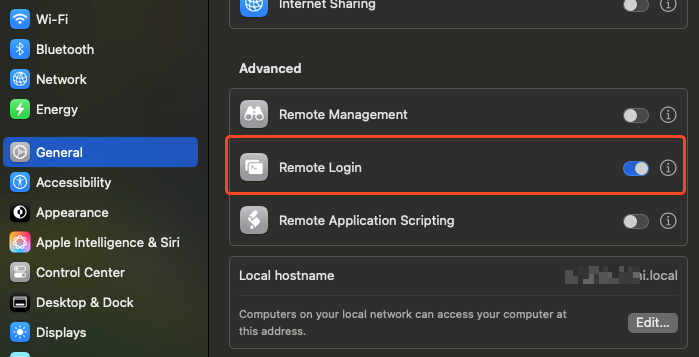
If you preferred SSH method, don’t forget to enable Remote Login in your Mac Mini Settings > General > Sharing.