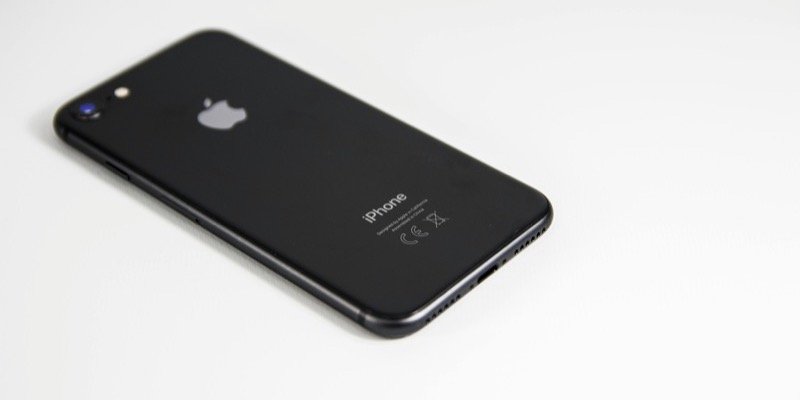
How to Check iOS Version on Your iPhone
To check the iOS version of your iPhone, follow these steps: Open the Settings app on your iPhone. Tap on “General” Select “About” Look for “iOS Version” It will show something like “iOS 17.3” or “iOS 18.0” (depending on your installed version).